What Is Gemini Omni? Everything You Can Do With Google's New Video AI Model
At Google I/O 2026, Google doubled down on its AI ambitions once again with the announcement of Gemini Omni. So what exactly is Gemini Omni, how does it differ from other video generation tools, and what can you actually do with it — whether you're a casual creator or a professional content team? This post breaks it all down with real examples and practical use cases.
What Is Gemini Omni?
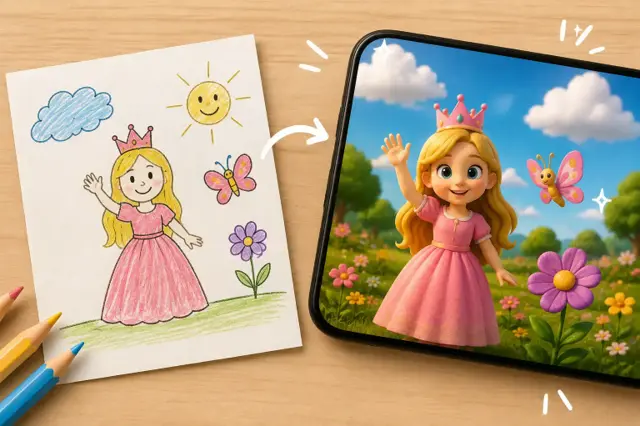
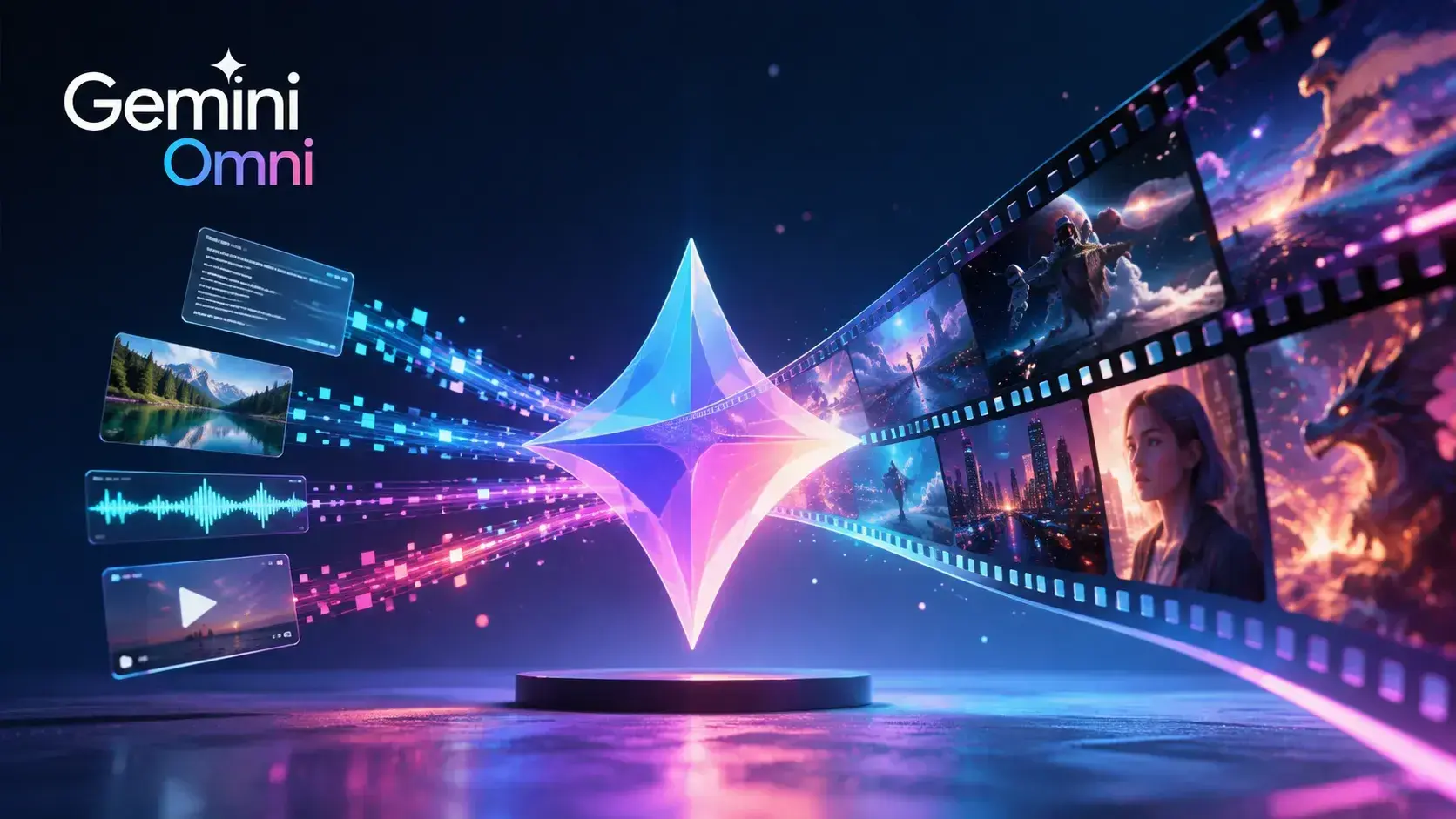
Gemini Omni is a new-generation, natively multimodal AI model built by Google DeepMind around one core idea: "create anything from any input." Right now the model is primarily focused on video generation, but Google has said it plans to expand into other output types like image and audio over time.
In short: you can feed Gemini Omni text, a photo, a video, audio — or any combination of these — and it processes them together in a single pass to produce high-quality video output. Google has compared it to Nano Banana, the model that revolutionized image generation and editing — except this time, the breakthrough is happening in video.
The first model in the family, Gemini Omni Flash, is now available through the Gemini app, Google Flow, and YouTube Shorts. Google also plans to roll it out to developers and enterprise customers via API in the coming weeks.
What Makes Gemini Omni Different From Other Video Tools?
Most text-to-video tools on the market follow a traditional pipeline: the input gets converted into a text description first, and that description is then handed off to a separate video rendering engine. A lot of context gets lost in that conversion step.
Gemini Omni works differently. It processes text, images, video, and audio simultaneously, inside a single core engine — no intermediate conversion layers. That means when you give it a reference photo alongside a text prompt, the model can reason across both inputs together, retaining much richer context.
Here's what stands out:
- Conversational editing: You can reshape a video step by step using natural language commands like "change the background," "move the camera behind the character," or "make the scene more cinematic."
- Consistency: Every edit builds on the one before it — characters, scene physics, and overall continuity stay coherent throughout.
- Reasoning grounded in real-world knowledge: The model combines an understanding of history, science, and cultural context with real-world physics (gravity, fluid dynamics, kinetic energy), so it can build scenes that aren't just realistic-looking but also make logical, narrative sense.
- Any input, one unified output: You can mix image, text, video, or audio inputs — alone or together — and get back a single, cohesive video.
What Can You Actually Do With Gemini Omni?
Here are the standout use cases:
1. Generate Video From Scratch
You can produce cinematic, professional-looking videos from a text prompt alone, or from text paired with image/audio references. The model can infer details like lighting, camera movement, and scene composition directly from natural language instructions.
2. Edit Existing Videos Through Conversation
If you already have footage, you can ask Omni to reshape a scene with prompts like "make the mirror ripple like liquid" or "dim the lights in the room." This is a fundamentally different experience from traditional video editors, which rely on technical timelines and effect layers — here it's all conversational.
3. Rewrite the Action
You can change what's actually happening in a shot — adding new characters or objects, altering the sequence of events, or turning an ordinary moment into something unexpected.
4. Educational and Explainer Content
The model can visualize complex scientific or historical concepts. For example, in a scene of a professor writing formulas on a chalkboard, it can keep text, symbols, handwriting, timing, and meaning all coherent at once. That makes it a strong fit for educational content, explainer videos, and stop-motion-style storytelling.
5. Personalized AI Avatars
You can generate a custom AI avatar that looks and sounds like you and place yourself directly inside the generated video — a feature that's especially appealing for social media creators.
6. Social Media and Advertising Content
Product demo videos, short ad clips, and vertical-format social content can all be produced entirely through natural language, with no technical video editing knowledge required.
How Does Gemini Omni Relate to Gemini's "Agentic" Capabilities?
When Google unveiled Gemini Omni at I/O 2026, it framed the announcement within a much bigger theme: the "agentic era of Gemini." Omni itself is a video model, but Google's broader vision goes well beyond that. Gemini is being repositioned from a simple chatbot into an agent capable of completing multi-step tasks on a user's behalf — things like managing a calendar, organizing emails, or booking a flight, start to finish, autonomously.
On the enterprise side, this agentic push shows up as Google Workspace Studio — an automation tool accessible from within Gmail, Chat, Drive, Docs, Sheets, and Calendar that turns plain-language rules into automated agents. For developers, Google Antigravity offers a platform for building and coding fully autonomous agents.
In other words: Gemini Omni is the revolution on the creation side, while Gemini's agentic capabilities are the revolution on the action side. Together, they represent Google's push to turn the Gemini ecosystem into a far more autonomous assistant.
How Do You Access Gemini Omni?
Gemini Omni Flash is currently available to Google AI subscribers aged 18 and over, worldwide, through the Gemini app. Here's what you need to know about access:
- Personal accounts need an eligible Google AI plan (Pro or Ultra).
- Work or school accounts need an eligible Google Workspace license.
- Availability varies by region, so it's worth checking current availability directly inside the Gemini app.
- Google AI Pro and Ultra plans run on a credit-based system — depending on your plan tier, you're allotted a certain number of "Google Flow" credits, which are used to generate video through Omni.
Who Is Gemini Omni Useful For?
Gemini Omni is a particularly practical tool for:
- Social media content creators — producing content quickly without any video editing expertise.
- Marketing and advertising teams — turning campaign concepts and product demos into fast prototypes.
- Educators — building explainer videos that visualize complex topics.
- Developers and agencies — once API access rolls out, integrating Omni directly into their own products and web projects.
Final Thoughts
Gemini Omni is the first concrete step toward Google's vision of "creating any output from any input," and right now its real strength lies in video generation and conversational editing. Much like Nano Banana did for images, Omni aims to make the same kind of leap for video — lowering the technical barrier for both individual creators and enterprise teams.
The fact that Google is presenting it as part of a broader "agentic Gemini" vision is also telling: it's a signal that AI is moving beyond just generating content and starting to play a role in planning and distributing it too. The model is still new and evolving fast — and with Google's stated plans to add image and audio outputs to the Omni family, it could soon grow into a much more comprehensive "create anything" tool.