Seedance 2.5: What It Is and Why It's ByteDance's Biggest AI Video Upgrade Yet
ByteDance just pushed AI video generation into new territory with the launch of Seedance 2.5. If you've been keeping an eye on the AI video space, you already know Seedance 2.0 set the bar earlier this year. Seedance 2.5 doesn't just raise that bar — it rewrites several of the rules creators had gotten used to.
Here's everything you need to know about the model, what changed, and how to actually get good results out of it.
What Is Seedance 2.5?
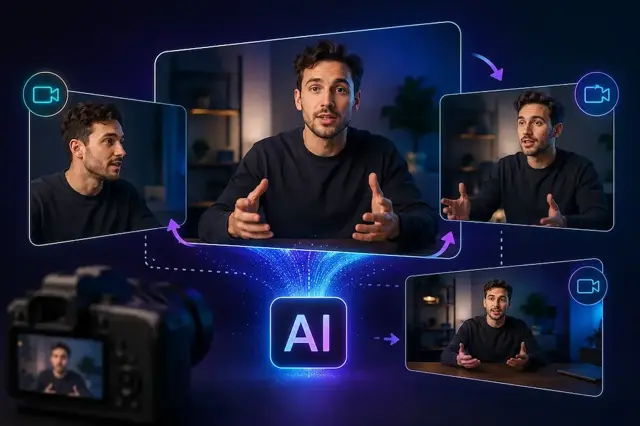
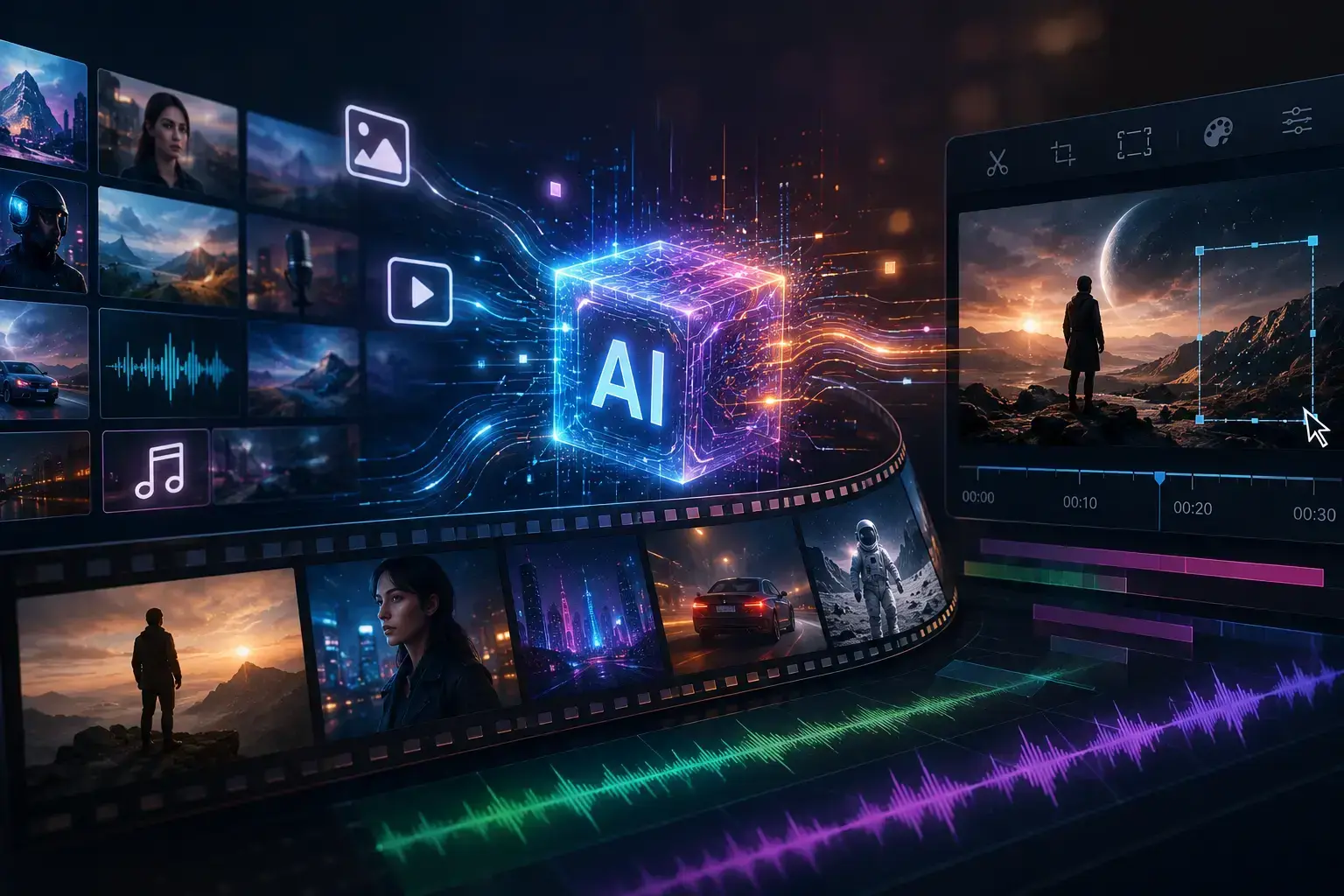
Seedance 2.5 is ByteDance's next-generation video generation model, built around a joint audio-video architecture. Instead of generating silent clips that you then score separately, Seedance 2.5 produces video and synchronized audio in a single pass — dialogue, music, and sound effects included.
The model is designed for full 30-second single-take generations, with the option to extend a clip twice for longer, more complete stories. That's a meaningful jump from the fragmented, few-second clips most AI video tools still produce, where creators end up stitching multiple generations together and dealing with visible seams — a shift in the face, a jump in lighting, a character that "resets" between cuts.
What Changed From Seedance 2.0
If you've used Seedance 2.0, here's the quick comparison:
| Feature | Seedance 2.0 | Seedance 2.5 |
|---|---|---|
| Max single-pass duration | ~15 seconds | 30 seconds (up to 180s in beta long-video mode) |
| Reference inputs | Up to 9 images, 3 video/audio clips | Up to 50 combined references (30 images, 10 videos, 10 audio files) |
| Resolution | 720p–1080p | Up to native 4K |
| Editing | Full regeneration for changes | Timestamp-level, region-specific editing |
| Prompt accuracy | Baseline | ~20% more accurate adherence, per ByteDance |
| Audio | Separate post-production step | Native, synchronized generation |
The reference input jump is the one that matters most for actual workflows. Nine images and three clips was workable for quick tests, but nowhere near enough for a real production brief. Fifty combined assets means you can hand the model a character sheet, a product shot, a brand color palette, a camera-motion reference, and a voiceover — all in one generation — and it treats it as a single coherent brief instead of a set of disconnected hints.
Key Capabilities
One-take storytelling. A full 30-second scene — setup, action, and resolution — in a single generation, without stitching clips together and hoping the character doesn't drift.
Precise, region-level editing. Wrong label on a product? Off-brand background color? You can describe the specific fix and Seedance 2.5 repaints only that region, leaving the rest of the frame untouched. No full re-roll needed.
Native 4K output. A jump from the 720p/1080p most competing tools still cap out at, which matters for anything headed to a big screen or a client deck.
Multilingual support. The model supports major languages including English, Chinese, Spanish, Arabic, Japanese, Korean, and several others, with lip-sync accuracy across languages — useful if you're localizing the same creative for multiple markets.
Structured camera control. Six defined camera moves — pan, zoom, tracking, push-in, pull-out, and orbital — can be specified directly in plain language inside the prompt, rather than relying on the model to infer intent.
Where You Can Use It
Seedance 2.5 isn't locked to a single platform. As of now, it's accessible through Runway, Higgsfield, Artlist's AI Toolkit, OpenArt, Morphic, Kie.ai, and several other video platforms, each with slightly different interfaces and pricing structures. If you're already working inside one of these tools, Seedance 2.5 shows up as a model option rather than requiring you to switch ecosystems.
Why This Matters for Creators Right Now
The gap between "AI-generated clip" and "usable, publishable video" has been the biggest blocker for AI video adoption in real production work. Seedance 2.5 is aimed squarely at closing that gap: longer single-pass output means fewer seams, native audio means fewer post-production steps, and region-level editing means you're not burning credits re-generating an entire clip because one detail is off.
That combination — length, control, and audio — is why the model is generating so much attention right now. It's less a toy for quick social clips and more a tool aimed at actual production pipelines: ads, product demos, explainer videos, and short-form brand content.
Getting Good Results: A Few Practical Tips
- Treat your prompt like a shot brief, not a caption. Define the subject, the action, the camera movement, and the intended final use before you generate.
- Front-load your references. With up to 50 combined inputs available, use them — a clear character reference, a style frame, and an audio cue will get you dramatically more consistent results than a text-only prompt.
- Use timestamped structure for longer clips. Break a 30-second generation into rough beats (0–10s setup, 10–20s action, 20–30s resolution) inside your prompt so the model paces the story correctly.
- Fix, don't regenerate. If one element is wrong, use the region-level editing instead of starting over — it's faster and keeps everything else in the frame intact.
Final Thoughts
Seedance 2.5 represents a real step change rather than an incremental update — longer native clips, dramatically more reference control, native audio, and 4K output all landing in the same release. For anyone working with AI video prompts, this is a model worth learning properly rather than treating as just another entry on a tool list.
If you're experimenting with prompts for Seedance 2.5, browse our prompt gallery for ready-to-use examples covering cinematic shots, product reveals, and multi-character scenes — a good starting point before you build your own custom briefs.