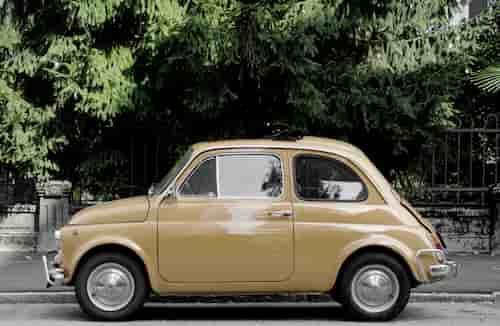
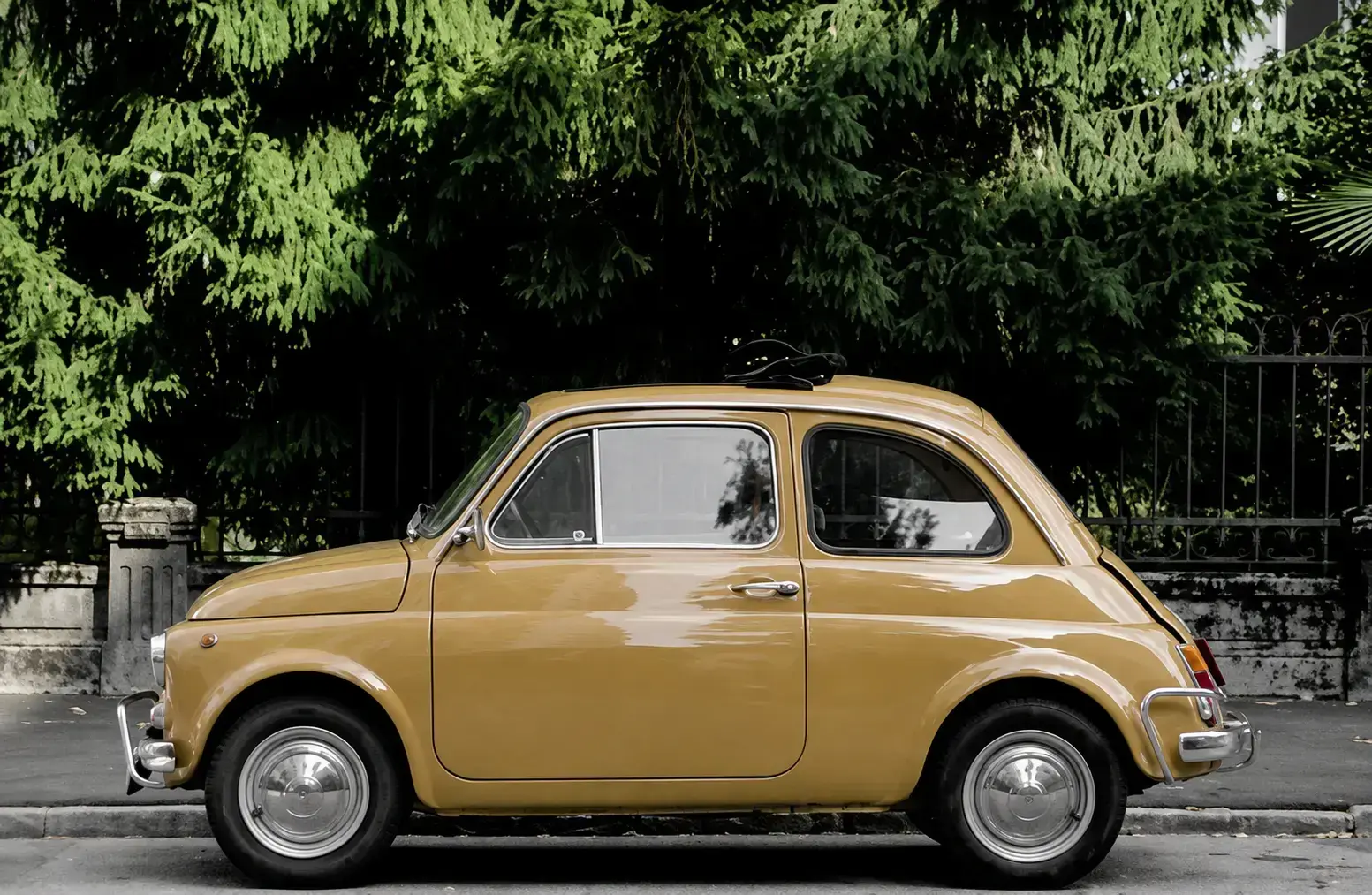
Yapay Zeka ile Fotoğraf Kalitesi Artırma — Restorasyon ve Netleştirme Promptu
Nasıl Kullanılır?
ChatGPT'yi açın – ChatGPT uygulamasını veya web sürümünü açın.
Fotoğrafınızı yükleyin – İyileştirmek istediğiniz bulanık, düşük kaliteli veya eski fotoğrafı seçin.
Promptu yapıştırın – Yukarıdaki promptu fotoğrafınızla birlikte kopyalayıp gönderin.
Yapay Zeka İstemi (Prompt)
Enhance and restore this photo to professional quality. Increase resolution and sharpness significantly while preserving the original identity, facial features, and proportions exactly as they are. Remove noise, pixelation, blur, and compression artifacts. Improve lighting balance, contrast, and color accuracy without changing the original color tones drastically. Reconstruct fine details in skin texture, hair strands, fabric textures, and background elements naturally and realistically. Do not add, remove, or alter any objects, people, or facial features that are not present in the original image. Keep the same pose, expression, angle, and composition. The result should look like a high-resolution, ultra-detailed, professionally shot photograph — natural, not over-sharpened or artificial, no plastic-skin effect, no AI-generated look. 8K quality, realistic photographic detail, DSLR-level clarity.