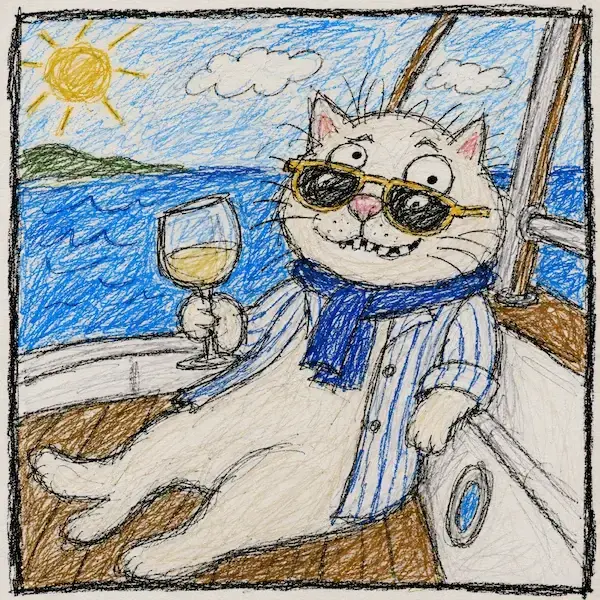
Turn Your Photo Into a Deliberately Ugly Doodle Character
How to Use?
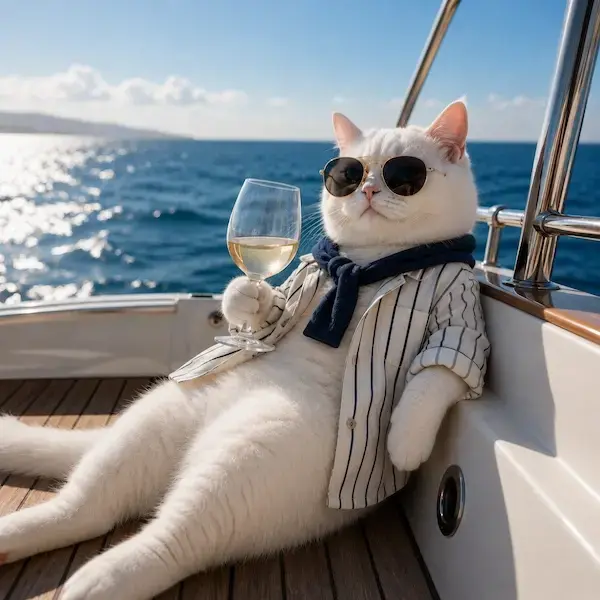
Pick a clear, front-facing photo you want to turn into a character.
Copy the prompt and paste it into your preferred image generation tool (ChatGPT, Midjourney, etc.).
Upload your photo along with the prompt.
AI Prompt
Transform this photo into a doodle-style character, intentionally ugly and funny-looking, like a kid's crude crayon drawing. Give it a crude, wobbly black outline like crayon or pencil, colored in with messy, scribbly strokes that go outside the lines. Make the eyes big, bulging, and misaligned (one bigger than the other or looking in different directions), the smile crooked and goofy with a few teeth missing, the nose oversized and lumpy, and the hair a messy, chaotic scribble sticking out in random directions. Add uneven skin tone patches from sloppy coloring and slightly wonky proportions (head too big or body too short) for a silly, amateur hand-drawn look.