AI Photo Quality Enhancer — Restore & Upscale Prompt
How to Use?
Open ChatGPT – Open the ChatGPT app or web version.
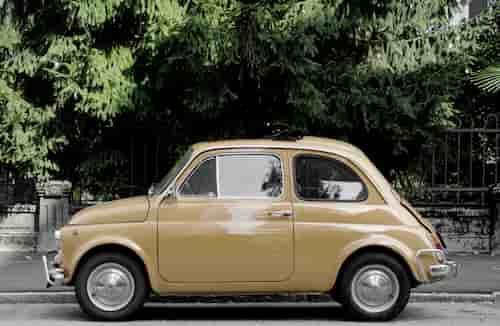
Upload your photo – Choose the blurry, low-quality, or old photo you want to enhance.
Paste the prompt – Copy and send the prompt above along with your photo.
AI Prompt
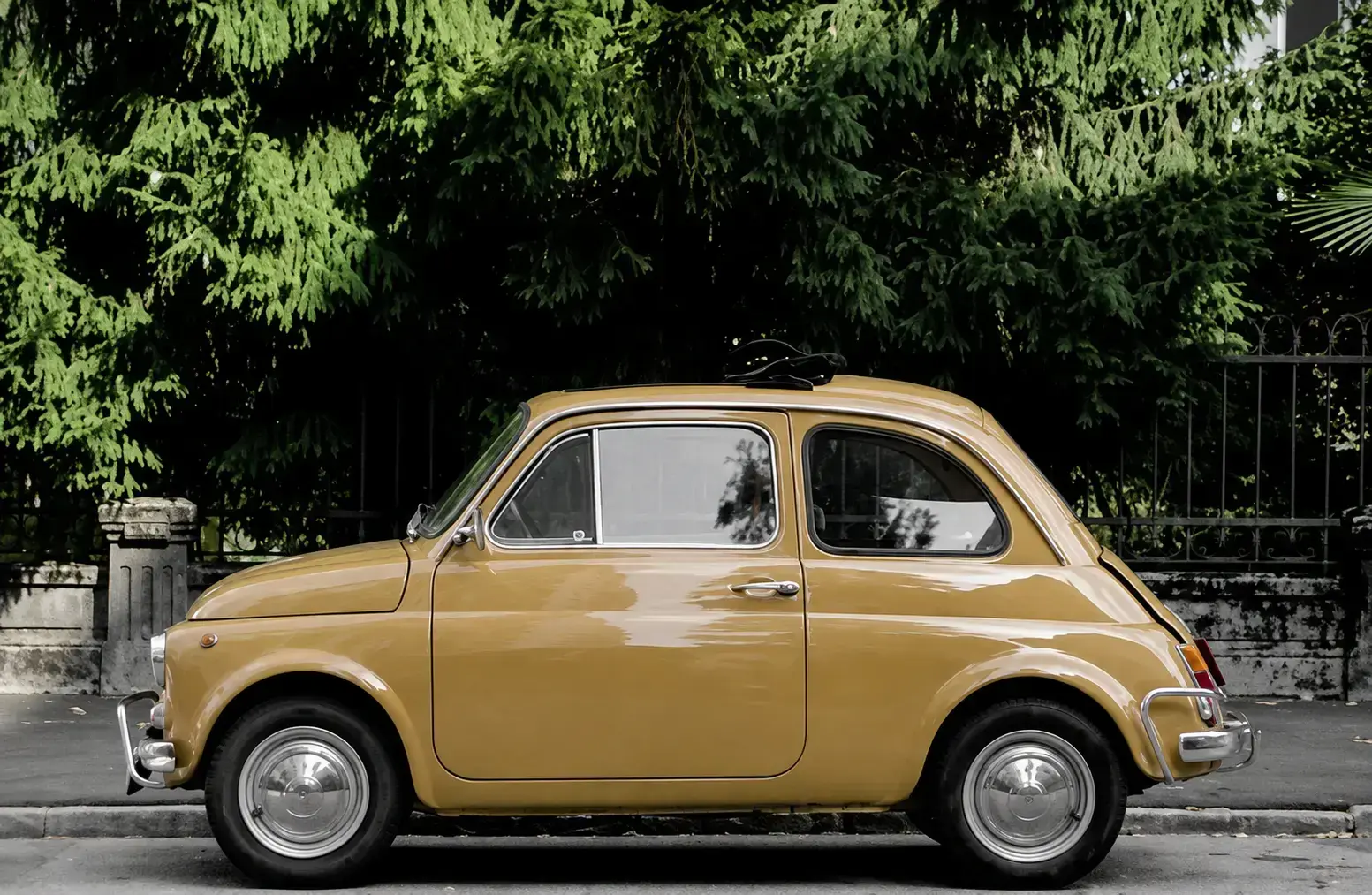
Enhance and restore this photo to professional quality. Increase resolution and sharpness significantly while preserving the original identity, facial features, and proportions exactly as they are. Remove noise, pixelation, blur, and compression artifacts. Improve lighting balance, contrast, and color accuracy without changing the original color tones drastically. Reconstruct fine details in skin texture, hair strands, fabric textures, and background elements naturally and realistically. Do not add, remove, or alter any objects, people, or facial features that are not present in the original image. Keep the same pose, expression, angle, and composition. The result should look like a high-resolution, ultra-detailed, professionally shot photograph — natural, not over-sharpened or artificial, no plastic-skin effect, no AI-generated look. 8K quality, realistic photographic detail, DSLR-level clarity.