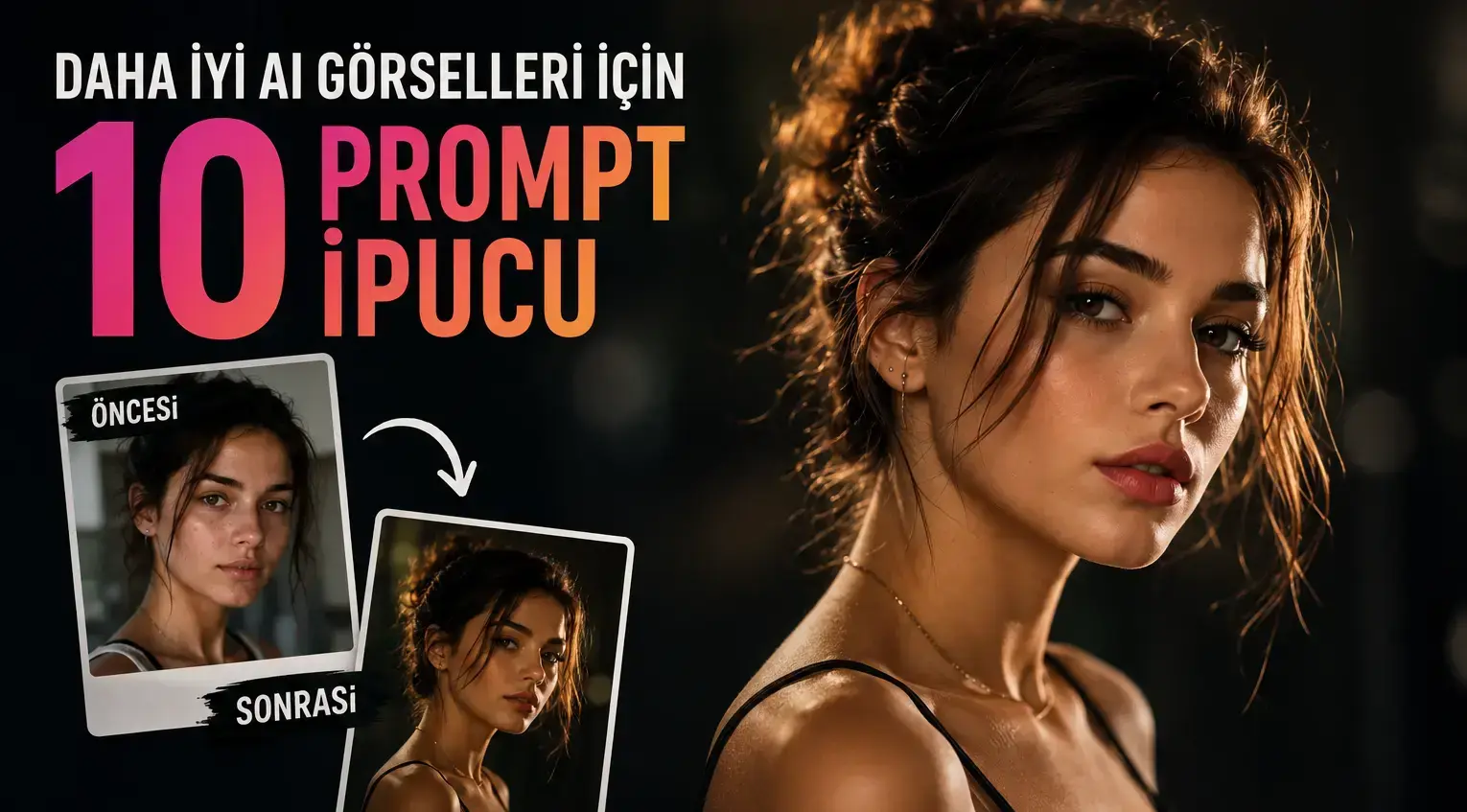
Two people using the same AI model sometimes get completely different results. While one gets a studio-quality portrait, the other encounters a weird, blurry, or unrealistic image. The difference is usually not in the tool, but in how the prompt is written. Here are 10 practical tips we compiled from the common points of experienced users and the most used prompts on TrendimAI.
1. Use Concrete Details Instead of Generic Expressions
Instead of saying "a beautiful photo", use technical and concrete descriptions like "soft softbox lighting, 85mm lens, shallow depth of field". The more specific information you provide, the more consistent results the model will generate.
2. Always Specify the Lighting
Lighting is the most important element that determines the sense of realism in an image. Adding phrases like "dramatic side lighting", "soft daylight", or "studio softbox lighting" can transform your image from an amateur attempt into a professional shoot.
3. Add Camera and Lens References
Photography terms like "85mm portrait lens", "wide angle", or "macro shot" help the model imitate real camera physics. This detail makes a huge difference, especially in portrait work.
4. Provide a Style Reference
Referencing a well-known style like "Vogue magazine style", "cinematic", or "editorial fashion shoot" clarifies the aesthetic framework in which the model will generate the image. You get an image with a specific vision rather than a random result.
5. Define Pose and Composition
Adding details like the person's posture, hand position, and camera angle is important. Phrases like "arms crossed, dominant stance" or "power pose shot from a low angle" determine the overall energy of the image.
6. Use Quality-Enhancing Keywords
Quality keywords like "8K resolution", "ultra-detailed", "photorealistic", and "masterpiece" help you get sharper and more detailed results in many models. While these words are not an absolute guarantee, they positively affect the overall tendency.
7. Specify the Color Palette
If you want control over the image's color tone, add phrases like "monochrome black and white", "warm golden tones", or "cool blue tones". This is a critical detail, especially for content requiring brand or theme alignment.
8. Pay Attention to the Quality of the Source Photo
No matter how good the prompt is, if the reference photo you upload is low resolution or poorly lit, the result will be affected accordingly. A clear, well-lit, front-facing source photo always yields the best results.
9. Try Variations for Alternative Poses
If you are not completely satisfied with the first result, try again by adding an alternative pose or expression to the end of the prompt. Even a small change (like "side profile" instead of "looking directly at the camera") can create a completely different feel.
10. Don't Forget to Add Personal Touches
Instead of using a ready-made prompt exactly as it is, add your own preferences: small additions like "make them look younger" or "softer smile" will make the result unique to you.
Final Words
A good AI image is not a matter of luck; it is the result of the right formula. Every trend on TrendimAI is prepared with tested and optimized prompts keeping these tips in mind. When you apply the points above to your own prompts, you will significantly shorten your trial and error process and get much more consistent, professional results.